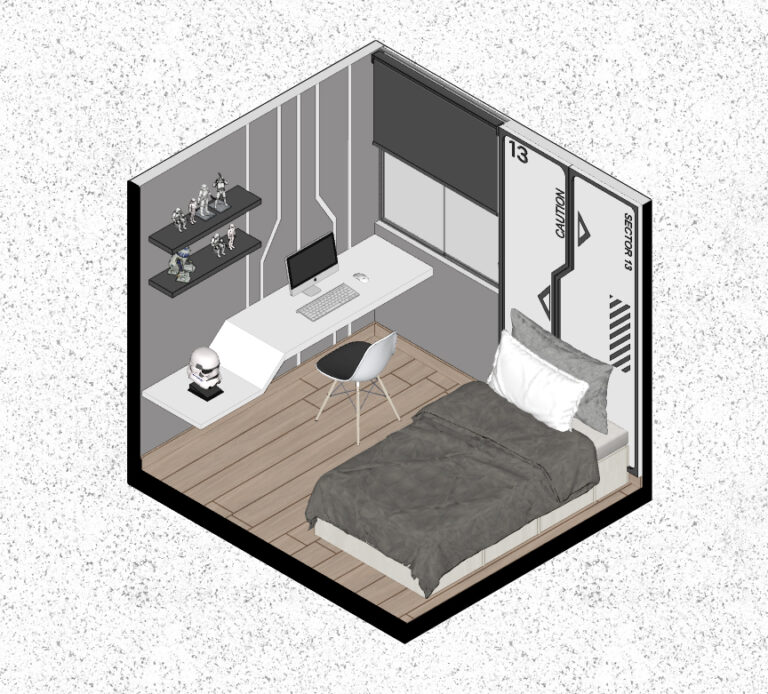
Creative Enscape: 3D presentations
Impress your clients with realistic and detailed visualizations thanks to Enscape. Learn to master all the Enscape and SketchUp tools to create stunning renders and streamline communication with your suppliers and clients.


ABOUT THE CONTENT
With the Enscape Course, take your architectural visualizations to the next level! Master every tool in this software to create realistic and detailed renders quickly and organizedly. Simplify communication with your clients and suppliers by presenting your projects in 3D with precision. Impress your clients with personalized and detail-filled visualizations! Don’t waste any more time, buy the course now and stand out in the 3D design market!
Module 01
0.1 program to install
1.1 What is Enscape?
1.2 How to open Enscape?
1.3 Toolbar
1.4 Render Window
Module 02
2.1 Natural lighting
2.2 Artificial lighting
Module 03
3.1 Where to find textures?
3.2 Keywords for materials
3.3 Configuring materials
Module 04
4.1 Main Configuration
4.2 Image Configuration
4.3 Atmosphere Configuration
4.4 Sky Configuration
4.5 Output Configuration
Module 05
5.1 Image rendering
5.2 Video rendering
5.3 360 image rendering
5.4 Virtual tour rendering
5.5 Video rendering with TV turned on
Module 06
6.1 Block Library
6.2 Lighting Library
6.3 Texture library
Module 07
7.1 Editing renders in Photoshop
Module 08
8.1 Configuring mirror
8.2 Setting up bronze glass
8.3 Setting up waterfall water
8.4 Setting up the fireplace fire
Module 09
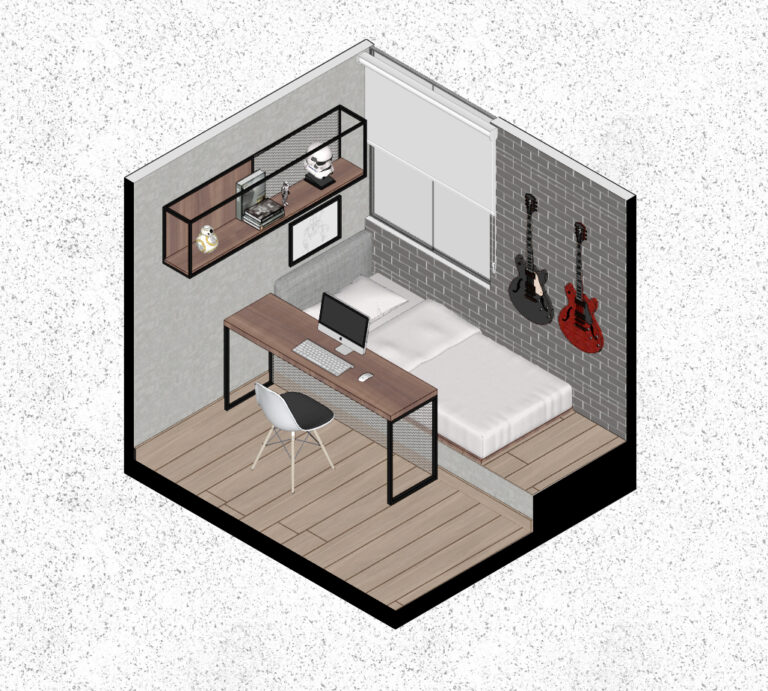
9.1 Teen Bedroom 01
9.2 Safari Bedroom
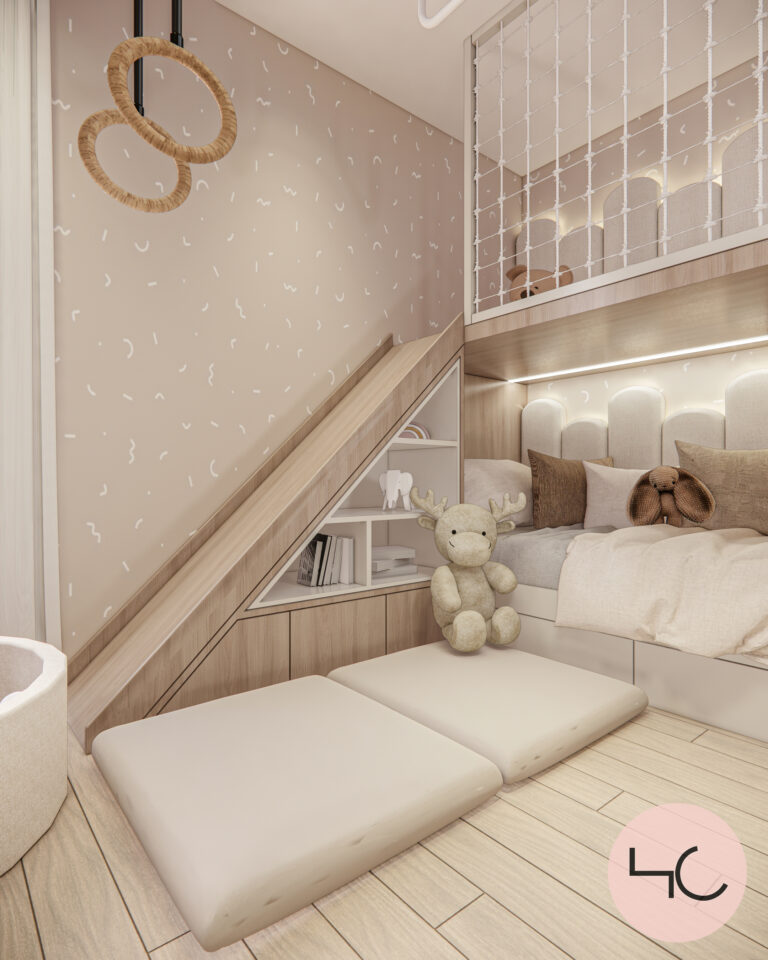
9.3 Warm children bedroom
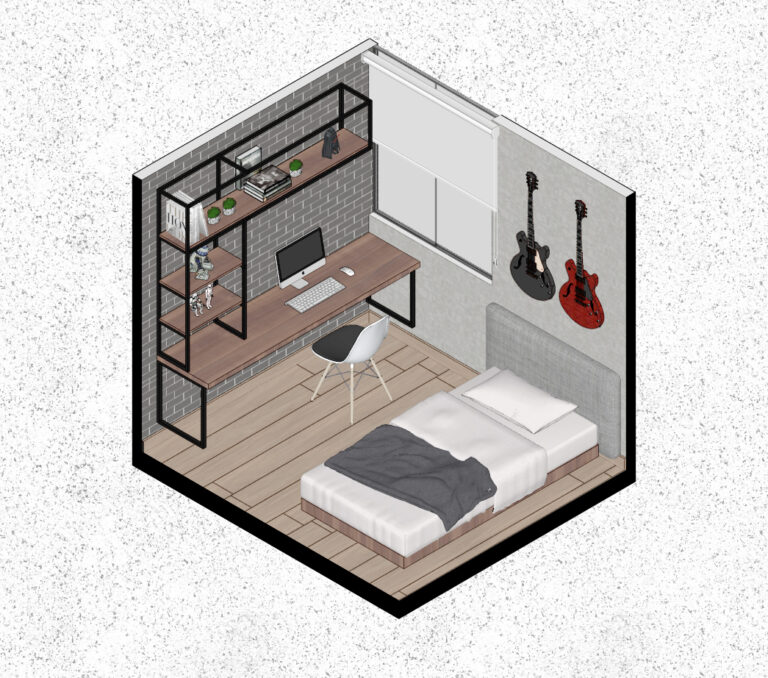
9.4 Teen Bedroom 02
9.5 Master bedroom
9.6 Visitor bathroom
9.7 Dining room 01
9.8 Dining room 02
9.9 Terrace
Module 10
10.1 Facade 01
10.2 Facade 02
10.3 Facade 03
Module 11
11.1 Fabric texture pack
11.2 Wood Textures Pack
11.3 Pack of varied textures
11.4 IES light lights
11.5 Backgroun Library
MEET THE INSTRUCTOR
Hilary Céspedes
I am an interior designer and I have created this course to share essential tools that will improve the presentation of your design projects. You will learn new techniques that will optimize your efficiency at work, allowing you to achieve more in less time. In addition, I will guide you in the use of key tools for creating plans, especially in the combination of SketchUp and Layout. My goal is for you to add significant value to both your projects and your social media platforms. Join my course and take your design skills to the next level.
Regular price
7 day guarantee
You will get your money back with no questions asked until
7 days after purchase.

Access content from any device.


Follow @hilarycespedes.di
Puedes seguirme en instagram y visualizar proyectos que se publican diariamente.
FAQ
Preguntas frecuentes
Diseñadores , Arquitectos, estudiantes, personas que trabajan en el Rubro de Diseño y mobiliarios.
El Plazo de Garantía es el periodo que tienes para pedir el reembolso integral del valor de tu compra, en caso de que el producto no sea satisfactorio.
Algunos cursos online ofrecen un certificado digital de conclusión. Los alumnos pueden emitir este certificado dentro del curso o ponerse en contacto con el Autor o Autora. Estos certificados pueden compartirse en redes sociales como LinkedIn e incluirse en informaciones curriculares.
Recibirás el acceso por email. Podrás acceder al contenido o descargarlo en una computadora, smartphone, tablet u otro dispositivo digital. También puedes acceder al producto que has comprado en esta página:
01 – Inicia sesión Hotmart haciendo clic en ‘Entrar’
02 – Ve al menú lateral y después a ‘Mi cuenta’
03 – Haz clic en ‘Mis compras’ y allí encontrarás todos los productos que has adquirido.
Para comprar este curso, haz clic en el botón “Comprar ahora”. Recuerda que no todos los productos estarán siempre disponibles para su compra. Es posible que el Productor esté preparando un nuevo grupo todavía sin inscripciones abiertas.
El curso cuenta con 6 módulos, por ahora solo 3 módulos se encuentran liberadas y las 3 faltantes se liberarán a la primera semana de comprar el curso.