Creative Layout: improve your presentations quickly and neatly.

«Impress your clients with personalized and detailed projects. Learn how to use all the tools in LayOut and simplify communication with your suppliers and clients.»

ABOUT THE CONTENT

With the Creative LayOut Course, improve your presentations quickly and orderly. Learn to use every tool in this program to detail your designs and simplify communication with your suppliers and clients. Impress your clients with personalized and detailed projects. Purchase the course now to stand out in the market.

Module 01

1.1 What is Layout?
1.2 How to open Layout?
1.3 How to make the file lighter?
1.4 Create letterhead from scratch.
1.5 Smart texts.
1.6 How to save a template?
1.7 How to delete a template?
1.8 Creating a scale.
1.9 Importing symbols.

Module 02

2.1 Introduction
2.2 Prepare Sketchup file
2.3 Finalize and organize layers
2.4 Scene creation
2.5 How to open a file in Layout?
2.6 How to create viewports?
2.7 Organization of viewports
2.8 How to configure dimensions?
2.9 How to place dimensions?
2.10 Tips for dimensioning
2.11 How to create hatch?
2.12 How to create a legend?
2.13 How to use albums?
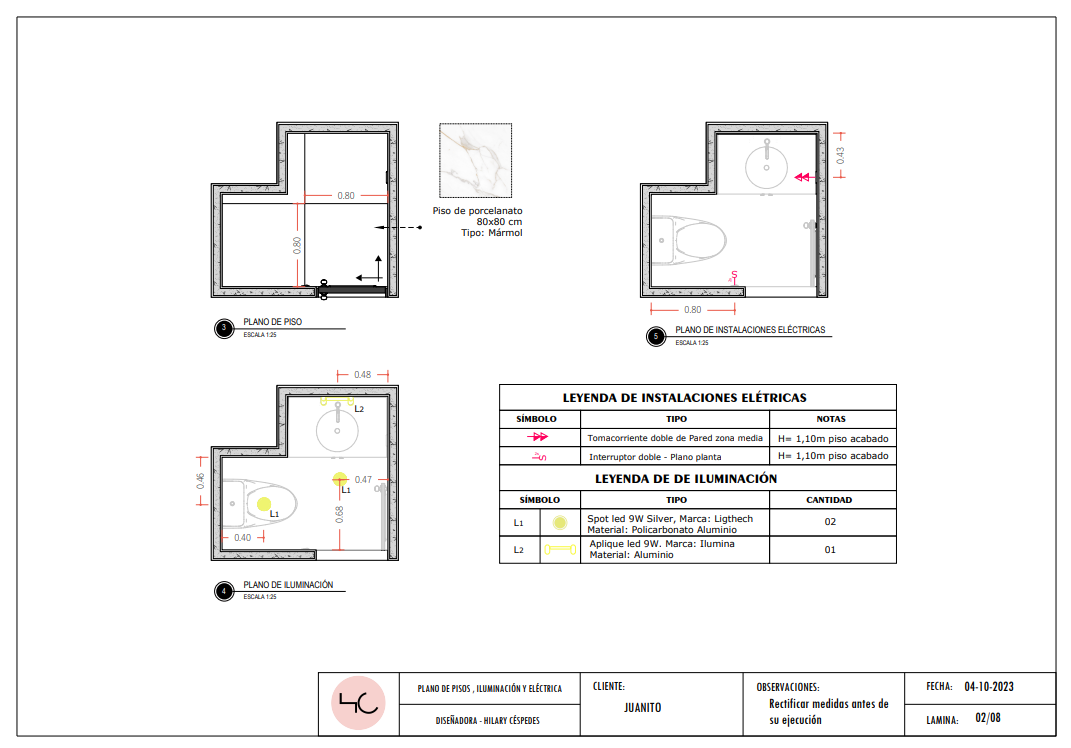
2.14 How to create a floor plan?
2.15 How to create an electrical plan?
2.16 How to create a lighting plan?
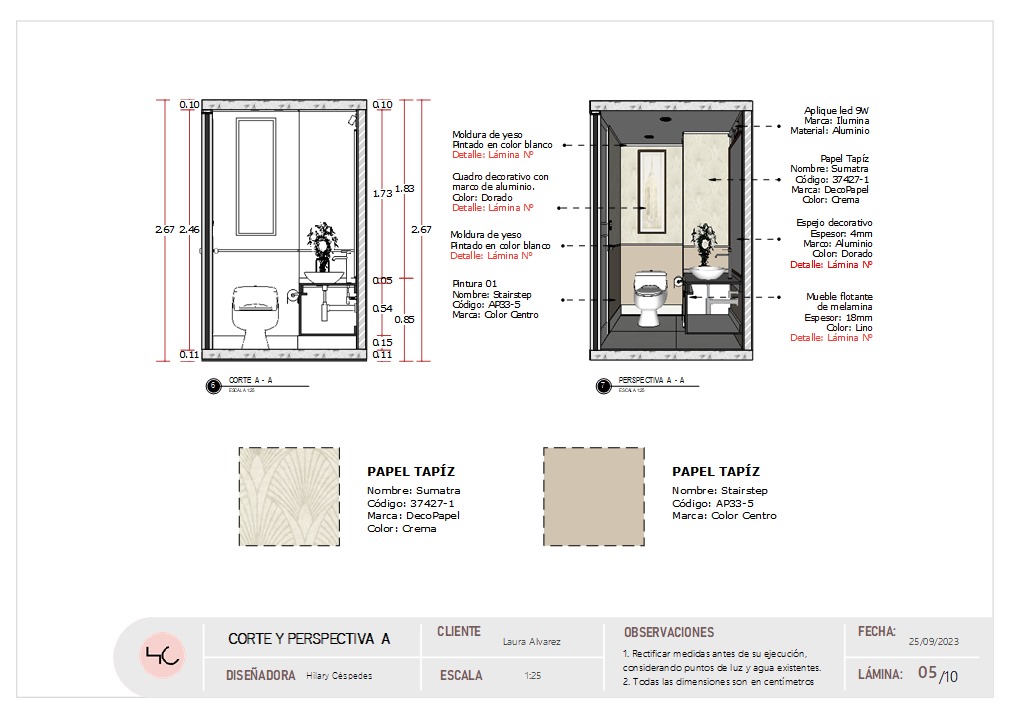
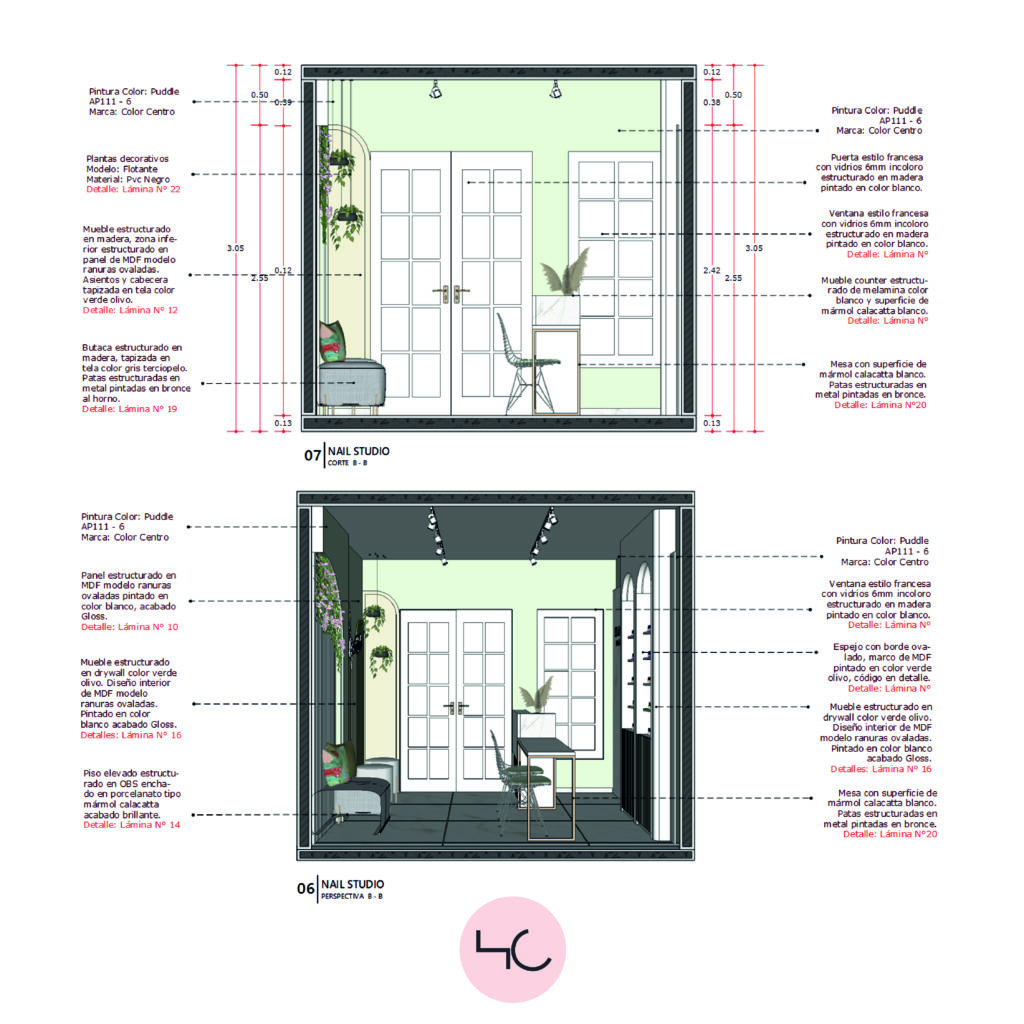
2.17 How to create cuts in Layout?
2.18 How to create details in sheets?
2.19 How to prepare the file for saving?

Module 03

2.1 Prepare SketchUp file

2.2 Finalize and organize layers

2.3 Doors in Layout

2.4 Create scene for Layout

2.5 Build and demolish in SketchUp

2.6 Create custom floors in SketchUp

2.7 Smooth blocks

2.8 Custom templates

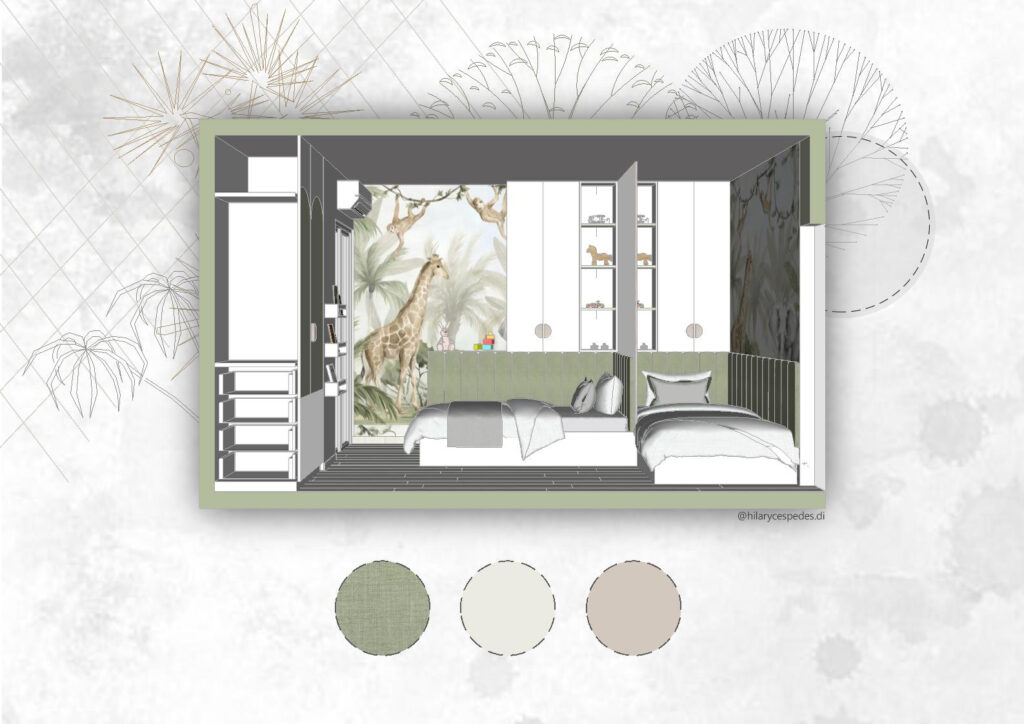
2.9 Create a mood board

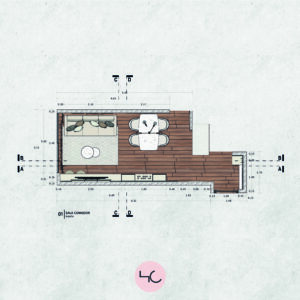
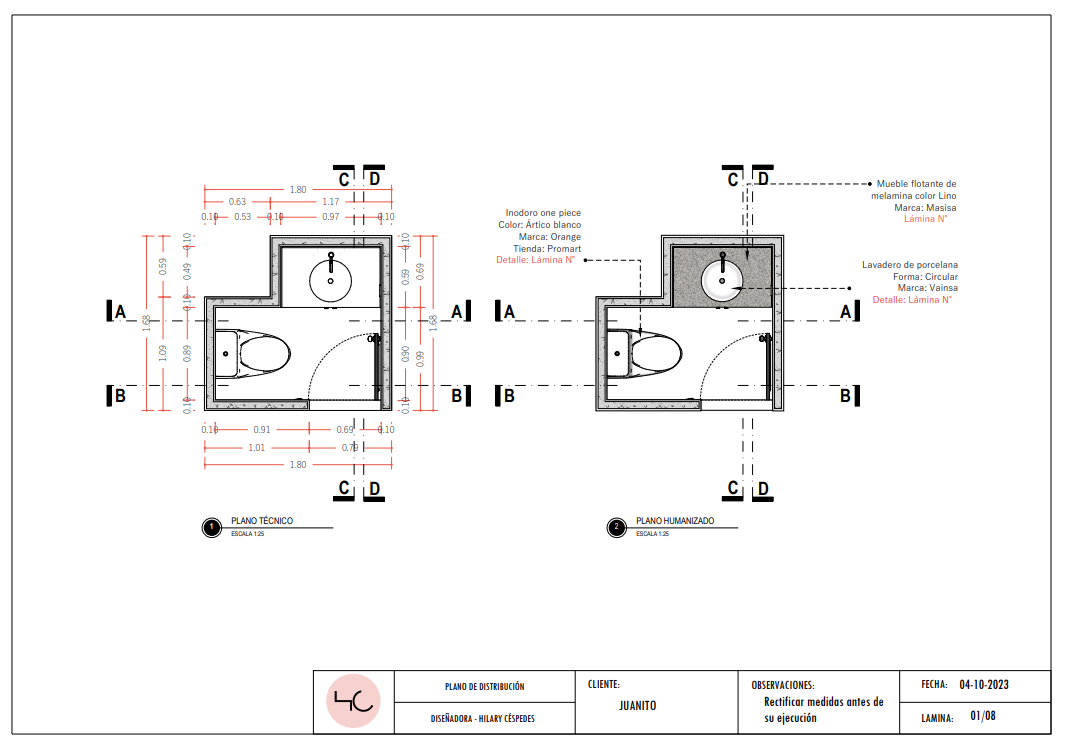
2.10 Create a floor plan

2.11 Create a floor layout

2.12 Create a build and demo plan

2.13 Create a lighting plan

2.14 Create an installation plan

2.15 Create a cut plan

2.16 Finalize and save project.

Module 04

4.1 Make a closet detail

4.2 Make a bathroom furniture detail

4.3 Make a desk detail

Module 05

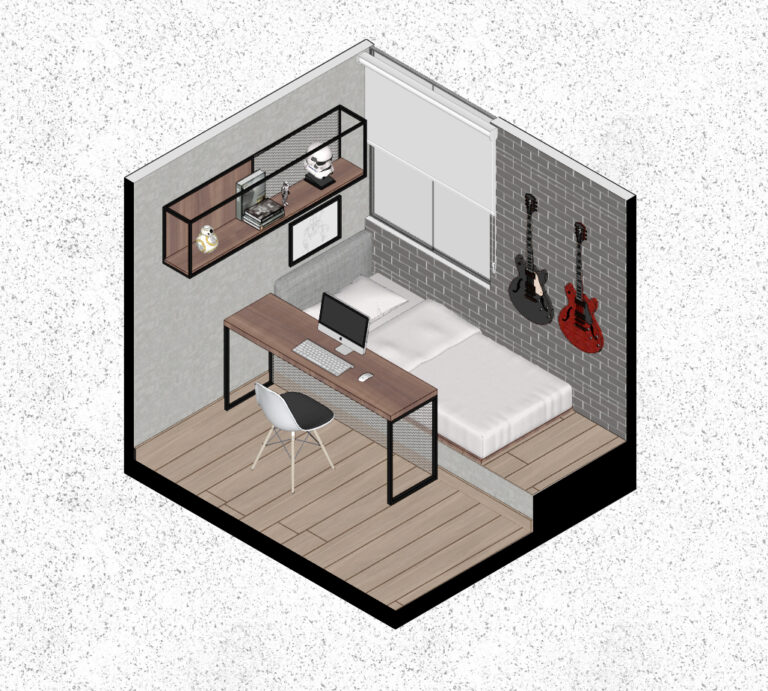
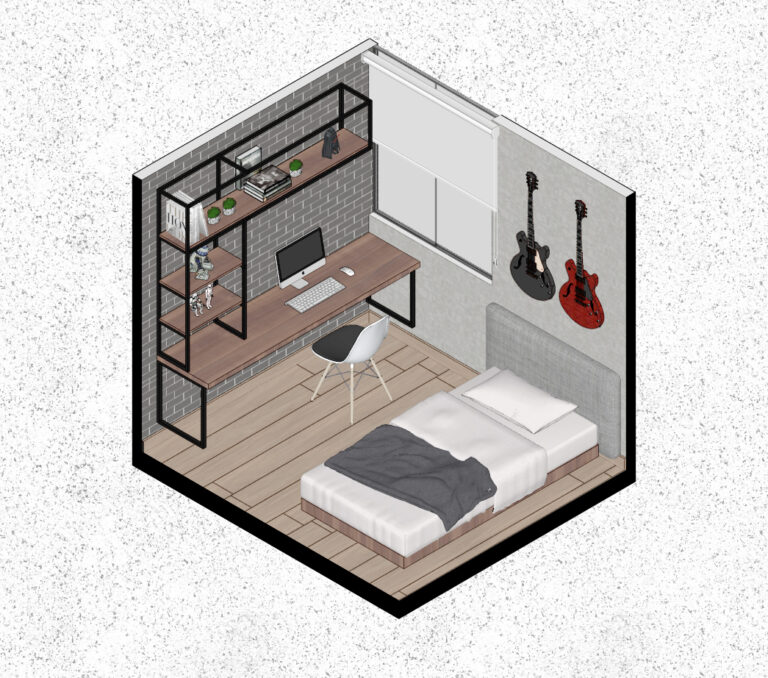
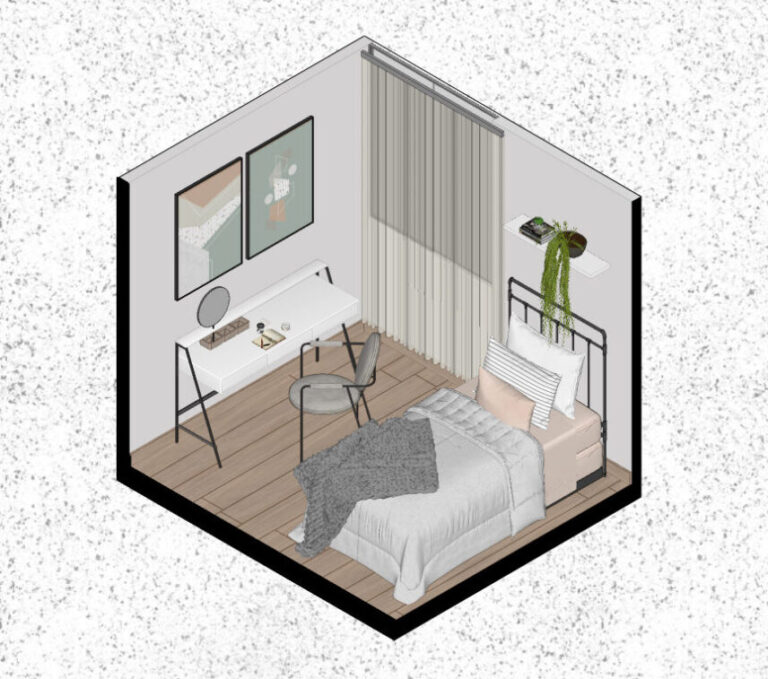
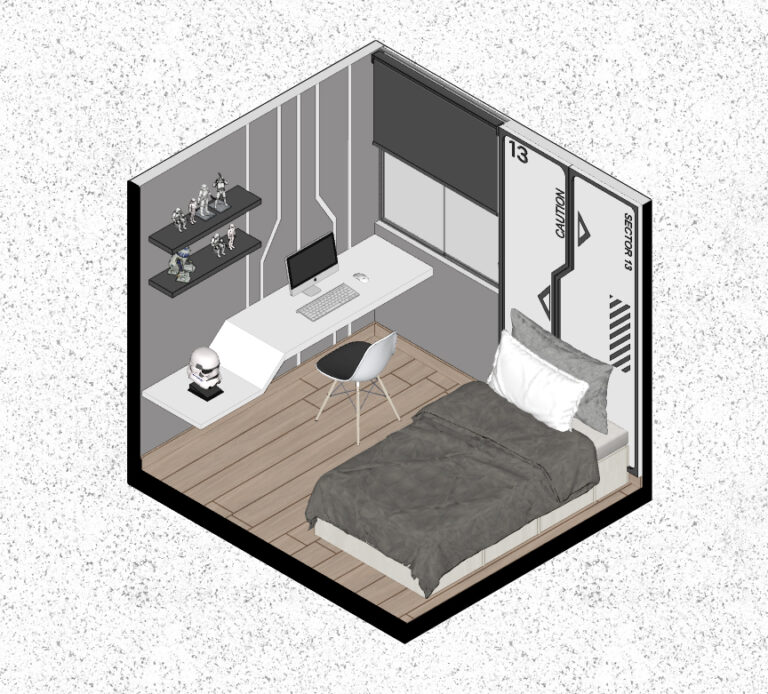
5.1 Isometries in SketchUp

5.2 Legends with Isometries

5.3 Isometries with Layout

5.4 Isometries with Photoshop

5.5 Walkthrough Animation without Rendering

Download Content

– Customized letterheads
– Over 100 symbols
– Construction details
– Symbol charts
– Practical examples

MEET THE INSTRUCTOR

Hilary Céspedes

I am an interior designer and I have created this course to share essential tools that will improve the presentation of your design projects. You will learn new techniques that will optimize your efficiency at work, allowing you to achieve more in less time. Additionally, I will guide you in the use of key tools for creating plans, especially in the combination of SketchUp and Layout. My goal is for you to add significant value to both your projects and your social media platforms. Join my course and take your design skills to the next level.

Valid offer for launch.

7 day warranty

You will back your money back no questions hasta

7 días after purchase.

Access the content from any device.

 ORIGINAL PRICE  $120 

$70.00

PROMOTION VALID ALL JANUARY 100% SECURE PAYMENT WITH IMMEDIATE ACCESS

Follow @hilarycespedes.di

You can follow me on Instagram to view projects that are posted daily.

FAQ

Preguntas frecuentes

Designers, architects, students, and people who work in the field of design and furniture.

The Warranty Period is the time you have to request a full refund of the value of your purchase if the product is not satisfactory.

Some online courses offer a digital certificate of completion. Students can issue this certificate within the course or contact the author. These certificates can be shared on social networks such as LinkedIn and included in curricular information.

You will receive access via email. You can access the content or download it on a computer, smartphone, tablet, or other digital device. You can also access the product you have purchased on this page:

1. Log in to Hotmart by clicking ‘Sign in’
2. Go to the sidebar and then to ‘My account’
3. Click on ‘My purchases’ and there you will find all the products you have acquired.
To purchase this course, click on the ‘Buy Now’ button. Remember that not all products will always be available for purchase. It is possible that the Producer is preparing a new group that is not yet open for registrations.

The course has 6 modules, but only 3 modules are currently available. The remaining 3 modules will be released on the first week after purchasing the course.